Approving Sitefinity Edits
Creation date: 5/18/2026 2:05 PM
Updated: 5/18/2026 2:05 PM
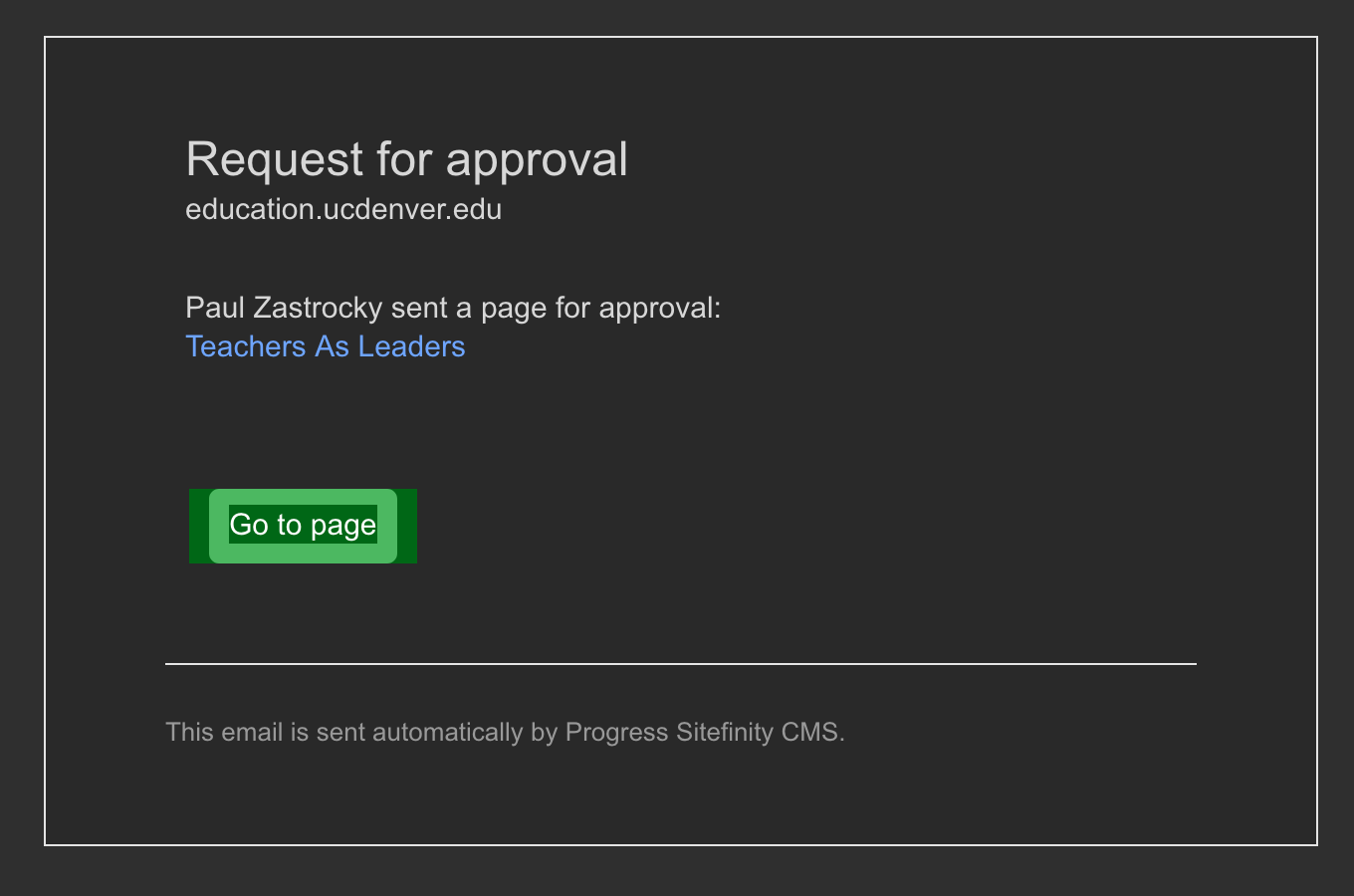
1. You will receive an email notification, click the "Go to page" button.
2. Click the 'SAML' button to login:
3. Login with your CU Credentials
4. Once you successfully login, you will be taken to the page to approve. In the upper right corner of the page, click "Publish".
DataImage44.png
DataImage76.png
DataImage19.png
DataImage20.png